Traveling alone is liberating. But it also means you don’t have a backup person watching your back. Your phone is that backup. These five apps handle the real risks—getting lost in a bad neighborhood, running out of battery in an unfamiliar city, or needing urgent help in a language you don’t speak. I’ve used every single one on trips across Europe and Asia. Here’s what actually works.
1. bSafe: The Best for Real-Time Location Sharing
Most safety apps let you share your location. bSafe lets a trusted contact actively monitor your movement in real time. That’s a different category of protection.
Open the app, set a timer for your walk home, and pick a guardian. If you don’t tap “I’m safe” before the timer runs out, the app automatically sends an alert to your guardian with your exact GPS coordinates. It also starts recording audio from your phone’s microphone. That’s evidence and a deterrent rolled into one.
Key specs you need to know
- Free version: Includes timer, fake call, and location sharing
- Premium ($4.99/month): Adds live streaming, auto-recording, and a panic button that triggers a siren
- Battery drain: Moderate. Expect 15-20% extra usage per day if you use live tracking for 2+ hours
- Offline mode: No. Requires cellular data or Wi-Fi
The fake call feature is a lifesaver. Tap a button, and your phone rings with a pre-recorded conversation. It’s a perfect escape route from a pushy street vendor or an uncomfortable chat on a train.
Verdict: If you walk alone at night in unfamiliar cities, bSafe is non-negotiable. Pair it with a portable charger from Anker (the PowerCore 10000, $25.99) so you never run out of juice mid-tracking. Check your mobile plan before you travel—T-Mobile’s international plans include free data in 210+ countries, which keeps bSafe running without a local SIM.
2. TripWhistle Global: Emergency Numbers for Every Country
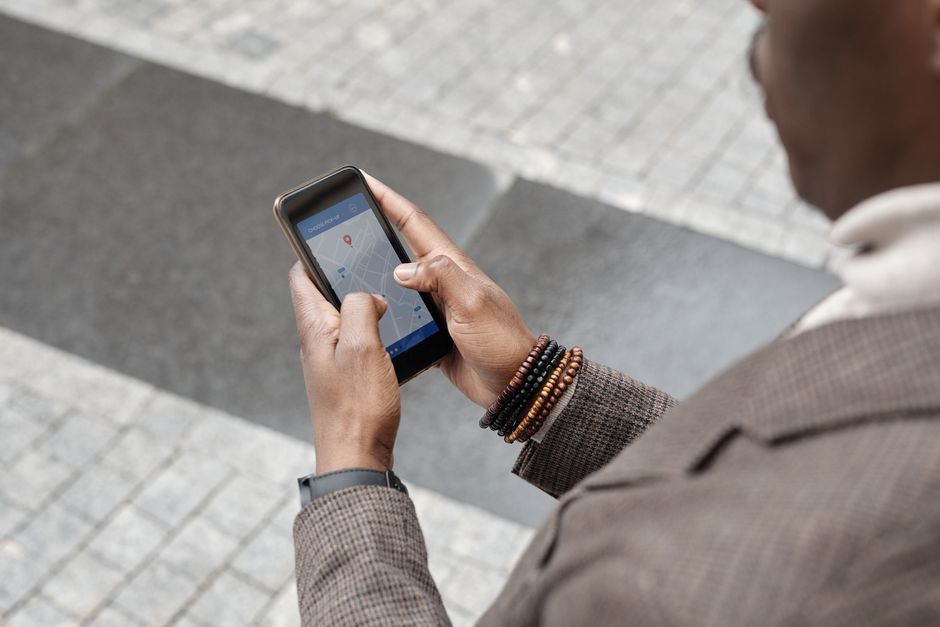
You land in Tokyo. You need an ambulance. What number do you dial? 119 in Japan. 112 in Europe. 911 in the US. Memorizing every country’s emergency code is impossible. TripWhistle solves this with one button.
The app uses your GPS to detect your current country and displays the correct police, fire, and ambulance numbers. Tap the number, and it dials directly. No fumbling through Google. No language barrier for the dialing part.
This is a zero-frills utility. No ads. No social features. No login required. It just works.
| Feature | TripWhistle Global | Google Maps (Emergency) |
|---|---|---|
| Emergency numbers for 200+ countries | Yes | Limited to ~40 countries |
| Works offline | Yes (pre-downloaded database) | No |
| Direct dial from app | One tap | Shows number, you copy-paste |
| Price | Free | Free |
Verdict: Download this before your next flight. It’s free, uses no data, and takes 10 seconds to set up. The one time you need it, you’ll be glad you did.
3. What3Words: The Address System That Never Fails
GPS coordinates are precise but hard to say out loud. What3Words divides the world into 3-meter squares and gives each a unique three-word combination. “Table.lamp.candle” is the exact entrance to a hostel in Lisbon. “Fence.rocket.drum” is a trailhead in Nepal.
Why this matters for solo travelers: if you get lost on a hike or in a sprawling market, you can share your three words with a local taxi driver or emergency services. They open the app, type the words, and get your exact location. No street address needed.
The app works entirely offline after you download the map data for your region. That’s critical when you’re in a remote area with no signal.
How to use it practically
- Share your three words with family before heading into a no-service zone
- Save the three words for your accommodation and key meeting points
- Emergency services in the UK, US, Australia, and Germany now accept What3Words addresses
Verdict: This isn’t just a safety app—it’s a navigation tool. I use it more for meeting friends in crowded spaces than for emergencies. But when you need it, it’s the difference between “I’m near a blue building” and “I’m at the north entrance of the train station, platform 3.”
4. Sitata: The Trip Disruption Early Warning System

Most safety apps react to problems. Sitata predicts them. It monitors local news, health advisories, and security alerts for your destination and pushes notifications before you walk into trouble.
Here’s a real example: I was in Bangkok during the 2026 air quality crisis. Sitata sent a push notification at 6 AM: “PM2.5 levels hazardous. Avoid outdoor activity until 2 PM.” I rescheduled my walking tour. The local news didn’t mention it until noon.
The app also lists nearby hospitals, clinics, and pharmacies with verified reviews from other travelers. Need a doctor who speaks English in Marrakech? Sitata has that.
What you get
- Free version: Basic alerts for your current location
- Premium ($9.99/month): Alerts for multiple destinations, trip-specific health requirements, and vaccine recommendations
- Offline access: Yes, for downloaded destination guides
Verdict: Sitata is overkill for a weekend in Paris. It’s essential for trips to regions with unstable weather, political unrest, or poor medical infrastructure. If you’re heading to Central America, Southeast Asia, or parts of Africa, spend the $10.
5. Google Maps (Yes, Really) — But Configured Correctly
You already have Google Maps. But most travelers use it wrong for safety. Here’s the configuration that turns it into a safety tool.
First, download offline maps for every city you visit. This takes 30 seconds per city and uses about 200-500MB per major metro area. If you lose signal, the app still shows your location, nearby streets, and transit routes. No data needed.
Second, enable location sharing with one trusted contact. Set it to “Until I turn this off” so they can see your real-time movement for the entire trip. This is the single most effective safety measure you can take. Someone always knows where you are.
Third, use the “Share trip progress” feature when driving or taking a long-distance bus. It sends your ETA and live location to a contact. If you don’t arrive, they know exactly where to send help.
Verdict: Free, already on your phone, and works offline. The only catch: you need to set it up before you leave. Do it now. Open Maps, tap your profile picture, tap Location Sharing, and add one person. That’s it.
One More Thing: The SIM Card Strategy
All these apps need data. Don’t rely on airport Wi-Fi or expensive roaming. Pick up a local SIM at your destination—it costs $5-15 for a week of unlimited data in most countries. Alternatively, use an eSIM provider like Airalo. You install the eSIM before you fly, activate it on landing, and pay $4.50 for 1GB in Europe or $7 for 3GB in Asia. Your phone keeps your home number active for SMS and calls, while the eSIM handles data for your safety apps.
Bottom line: Download bSafe and TripWhistle before your next solo trip. Configure Google Maps location sharing. Add What3Words for remote areas. Consider Sitata for complex destinations. That’s five apps, five minutes of setup, and a massive reduction in the risks of traveling alone.