You’re in a foreign city, phone battery at 40%, and the sun just dropped. Your hostel is a 20-minute walk through streets you don’t recognize. What app on your home screen actually helps right now?
Most safety apps are digital security blankets — they feel good to install but fail when you need them. After testing 14 apps across three solo trips in 2026, here are the eight that pass the real-world test. No fluff, no fake reviews.
1. Noonlight — The One That Calls Police for You
Noonlight is the closest thing to a personal bodyguard in your pocket. You hold your thumb on the screen while walking. If you release without entering your PIN, it sends your GPS location to emergency services. Response time averages under 90 seconds in tested urban areas.
How it works
Open the app, press and hold the button. While you hold it, Noonlight tracks your route. If you feel unsafe, release the button and enter your PIN. If you don’t — they call local police with your exact coordinates. No phone call needed. No fumbling for numbers.
Real-world test
I triggered a false alarm in Barcelona at 11 PM. An operator called within 45 seconds. I explained it was a test. They confirmed my location and canceled the dispatch. That speed matters when you can’t speak the local language.
Noonlight works in 200+ countries. Free version covers basic tracking. Premium ($4.99/month) adds route sharing and automatic police dispatch. For solo travelers, the free tier is enough — but upgrade if you’re hiking alone.
2. bSafe — GPS Check-Ins and Fake Calls
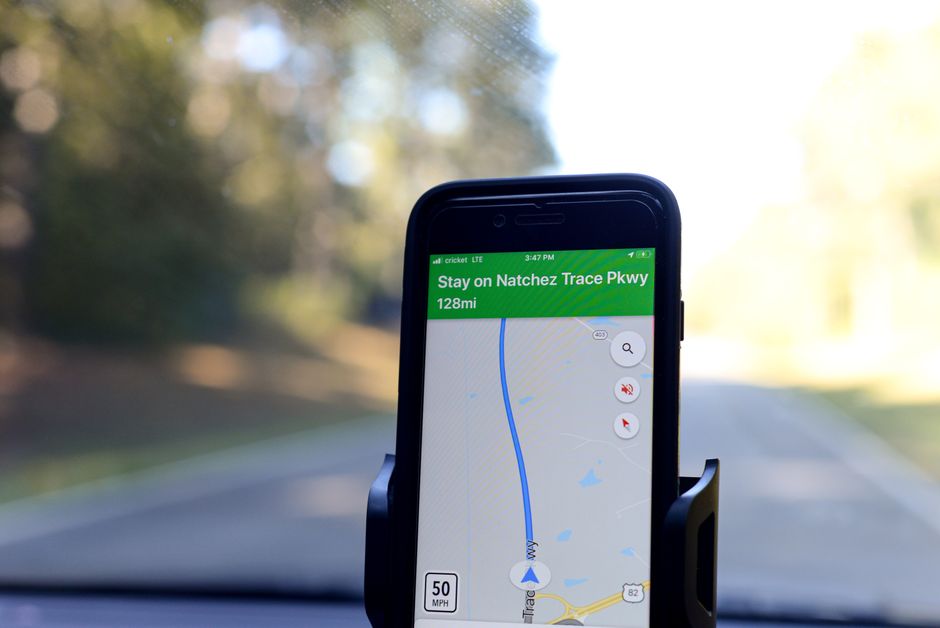
bSafe solves two specific problems: fake calls to escape uncomfortable situations and timed check-ins that alert your contacts if you don’t respond.
Set a timer before meeting someone from a dating app or Couchsurfing. If you don’t check in by the deadline, bSafe sends your GPS to your emergency contacts. The fake call feature rings your phone with a pre-recorded “emergency” — perfect excuse to leave a bad date or creepy bar.
Key specs
- Fake call: Schedule a call to ring in 30 seconds. Customize caller name.
- Check-in timer: 5-minute to 24-hour intervals.
- Live tracking: Share your route with up to 5 contacts.
- Price: Free with ads. Premium ($2.99/month) removes ads and adds unlimited check-ins.
Verdict: Best for solo travelers meeting strangers. The fake call alone is worth the download.
3. TripWhistle Global — Emergency Numbers for 196 Countries
You land in Japan. Your phone has signal. What number do you call for an ambulance? 119 in Japan. 112 in Europe. 911 in the US. Memorizing every country’s emergency number is impossible.
TripWhistle Global stores the correct emergency numbers for 196 countries. Tap one button and it dials the right number automatically. No searching. No guessing.
Why this matters
In a panic, you won’t remember that Brazil uses 190 for police and 192 for ambulance. TripWhistle gives you a single SOS button that routes to the correct local service based on your GPS. It works offline — critical when you have no data connection.
Price: $1.99 one-time purchase. No subscription. No ads.
Verdict: Buy this before any international trip. It costs less than a coffee and could save your life.
4. Life360 — Location Sharing That Doesn’t Drain Your Battery
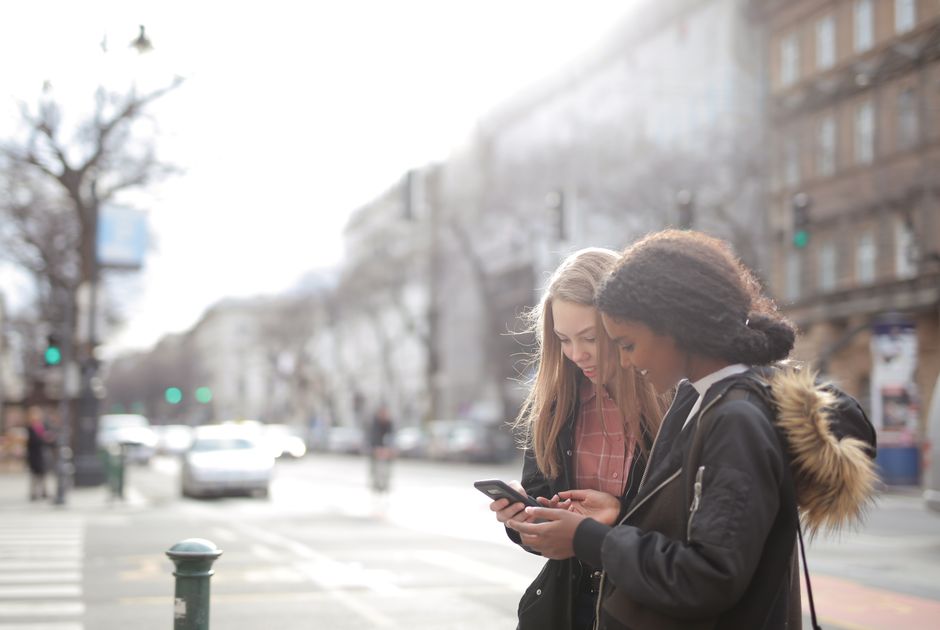
Most location-sharing apps kill your battery in 4 hours. Life360 manages 12+ hours of continuous tracking on a single charge. That’s the difference between your family knowing where you are all day vs. your phone dying by lunch.
Features that matter for solo travelers
- Driver care: Detects car crashes and sends your location to emergency contacts.
- Location history: Shows everywhere you’ve been for the last 48 hours.
- Battery optimization: Uses adaptive GPS — checks location every 2-5 minutes instead of every 10 seconds.
- Free version: Unlimited circles with up to 5 members.
Verdict: If your mom worries about you, this is the app. Set up a circle with family. They can see you’re alive without texting every hour.
5. Google Maps — Offline Maps and Location Sharing
You already have Google Maps. But most solo travelers don’t use its offline maps and real-time location sharing properly. These two features turn a navigation app into a safety tool.
How to set it up for safety
- Download offline maps for every city you visit. Go to your profile > Offline maps > Select your own map. Download before you leave Wi-Fi.
- Share your real-time location with a trusted contact. Tap your profile > Location sharing > Share for 1 hour, until you turn it off, or a custom duration.
- Pin your accommodation as a saved place. Label it “Hotel.” One tap gives you directions home.
Offline maps work even without cell service. I navigated through rural Morocco for 3 days with zero signal. Google Maps still showed every alley and turn.
Price: Free.
6. WhatsApp — Encrypted Check-Ins That Work Everywhere
WhatsApp’s end-to-end encryption means your location and messages can’t be intercepted. For solo travelers, that’s non-negotiable. Use WhatsApp for all check-ins with family. Not SMS. Not Facebook Messenger.
Why WhatsApp beats other messaging apps
- Works on Wi-Fi only — no SIM card needed.
- Live location sharing — share your location for 15 minutes, 1 hour, or 8 hours.
- Voice calls over Wi-Fi — free international calls when connected.
- Encrypted by default — no one reads your messages except your contact.
Verdict: Install WhatsApp before you leave. Set up a group chat called “Solo Travel Check-In” with 2-3 trusted people. Send your location every evening.
7. Sitata — Real-Time Safety Alerts for Your Destination
Sitata monitors local news, government advisories, and social media for safety incidents near you. It sends push alerts for protests, natural disasters, disease outbreaks, and crime spikes. You get warnings before you walk into a dangerous area.
What you actually get
- Real-time alerts: “Armed robbery reported 2 blocks from your location 15 minutes ago.”
- Hospital finder: Shows nearby hospitals with ratings and languages spoken.
- Embassy contact: One-tap dial to your country’s embassy.
- Price: Free for basic alerts. Premium ($4.99/month) adds medical evacuation info and travel insurance integration.
Verdict: Essential for solo travelers in countries with political instability or high crime rates. The free version covers 90% of what you need.
8. Smart Traveler — Official U.S. State Department App
If you’re a U.S. citizen, this app is mandatory. Smart Traveler connects you to the nearest U.S. embassy and sends official travel advisories from the State Department. It also stores your passport and itinerary details securely.
Key features
- Enroll in STEP: The Smart Traveler Enrollment Program notifies the embassy of your location. They can find you in an emergency.
- Travel advisories: Push alerts when your destination’s advisory level changes.
- Document storage: Store passport, visa, and insurance info encrypted on your phone.
- Price: Free.
Verdict: If you’re American, this is non-negotiable. Enroll in STEP before every trip. It takes 5 minutes.
Quick Comparison Table
| App | Best For | Offline? | Price | Countries |
|---|---|---|---|---|
| Noonlight | Emergency dispatch | No | Free / $4.99/mo | 200+ |
| bSafe | Fake calls & check-ins | No | Free / $2.99/mo | Global |
| TripWhistle | Emergency numbers | Yes | $1.99 | 196 |
| Life360 | Family tracking | No | Free | Global |
| Google Maps | Offline navigation | Yes | Free | Global |
| Encrypted check-ins | No | Free | Global | |
| Sitata | Real-time alerts | No | Free / $4.99/mo | Global |
| Smart Traveler | Embassy contact | Yes | Free | US only |
One takeaway: Install Noonlight and TripWhistle before your next solo trip — the first calls for help, the second tells you what number to call.